The URL said Japanese. The page body was Polish. Why I stopped trusting an AI agent's 'complete' message
The URL said Japanese. The page body was Polish.
At 1 a.m., a friend dropped a screenshot into a group chat. I stared at it for a few seconds. The collection page had a /ja/ URL, but below the heading sat a full block of Polish copy: Chłodnice telefonów.
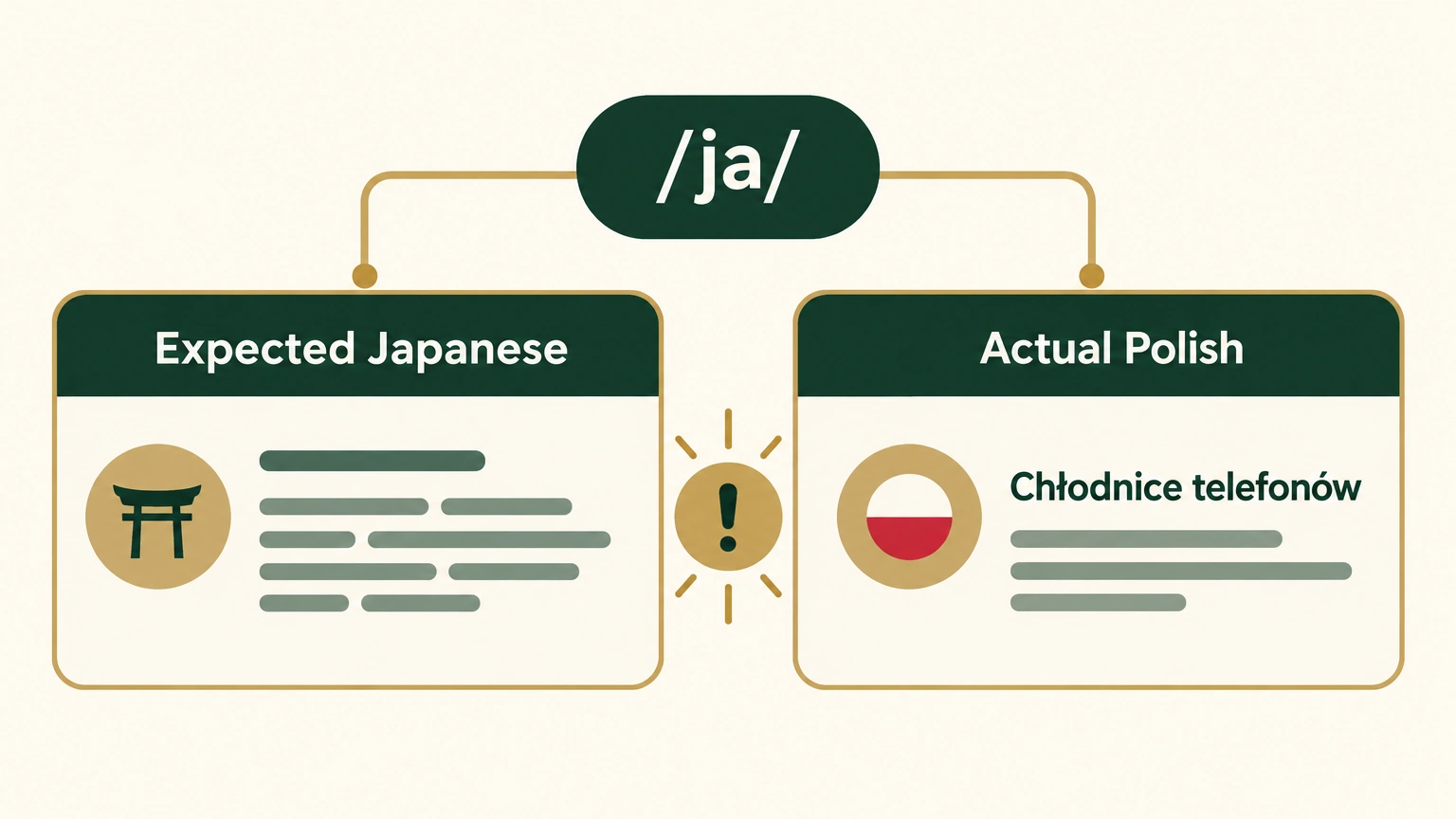
Illustrative reproduction. The address path indicates Japanese while the body-language card indicates Polish; it does not reproduce the original storefront or screenshot.
The job sounded simple. I asked an AI agent to translate my store’s multilingual pages and told it that the Japanese locale had to contain Japanese. When it finished, it happily told me the translation was complete. I believed it.
The screenshot changed that.
I first blamed the browser. I tried a private window, mobile Safari, and a different network. The Polish text was still there, in the same place.
This was not garbled text or a browser-translation extension. It was readable Polish sitting neatly on a page the agent had translated into Japanese.
If you run AI agents against production work, this is the part worth keeping: their “complete” message tells you that a process ended. It does not prove the job is right.
The admin data really contained Polish
I opened the Admin API, the store’s data interface, to check whether caching or the CDN had gone wrong.
- The field in the Japanese locale literally contained
Chłodnice telefonów .... - The corresponding Polish-locale field matched it word for word.
The rendering layer was not the problem. The agent had copied Polish into a Japanese slot, then marked the translation as complete. It was like filing Japanese documents into a drawer labeled Japanese, then finding only Polish documents when you opened it.
| What the audit found | Count | What it meant |
|---|---|---|
| Wrong language in a field | 13 items | Japanese positions contained French, German, Polish, or Spanish |
| Missing translations | 30 items | Empty fields fell back to English on the storefront |
| Default theme copy | 102 items | Cart, 404, refund, and similar corners had never entered the translation run |
The 13 wrong-language items bothered me more than the 30 missing translations. English fallback is still readable. A shopper who enters something presented as a Japanese store and sees another European language gets a worse signal than someone who sees English.
The second “complete” message failed too
I asked another AI agent to repair the 13 worst pages. This time I used Codex, OpenAI’s coding agent. One HTML file was 54 KB, with deeply nested tags.
REDO_BATCH1_COMPLETE files=3I saw that line and went to get water. When I came back and sampled the output, only the titles had changed. The bodies were untouched. Japanese coverage was 5%, 2%, and 3%.
The model had not become stupid. The file was larger than it could handle in one pass. It finished the front section and returned control, while the wrapper script saw exit code 0 and wrote COMPLETE.
That was the same failure twice. I had treated a process status as evidence that the work itself was complete.
When a person says a task is complete, they usually compare the result against a picture of what complete looks like. The model often means that it has run through the part of the process it received. There is still a gap between that and a correct result.
AI “done” is process-level done. Whether the task is done still needs a separate check.
I changed the repair path
I rewrote the process around two rules.
First, I stopped feeding long HTML directly to an LLM, a large language model. A batch translation service handled each text node first, so every small section had Japanese text. The LLM then polished those sections in smaller pieces. An LLM can make copy read smoothly. It is less dependable when asked not to miss one sentence in a 54 KB file.
Second, I separated structure from copy. The translator could not touch HTML tags, links, icon names, or CSS classes. The script enforced that boundary. A missing translation was safer than text moved into the wrong place.
I also stopped writing everything in one push. I linted the HTML locally to catch broken tags, then wrote to the admin in batches and left time to observe each batch. The unit of progress became a verified step, not a final claim that I could check later.
I only trust what I can see directly
The final run wrote 337 items, with 0 errors, over 4 hours.
Writing them was not the end. Shopify edge cache entries were partitioned by user agent, the marker a site receives from a device. Desktop and mobile browsers could therefore reach different cached versions. I had seen the failure mode before: the desktop view looked fixed, while a customer opening the page on mobile the next day still saw the wrong language because that cache entry had not refreshed.
I trusted two checks:
- iPhone Safari showed copy unique to this write.
- The Polish block had disappeared on both desktop and mobile.
If the two views disagreed, I treated the repair as unfinished.
What I now keep from this incident
For anyone giving production work to an AI agent, I keep three rules nearby.
- Do not equate “the AI said complete” with task completion. Inspect real output. Exit codes and a
COMPLETElabel are process signals, so sample the result itself. - Use deterministic tools, such as scripts or batch services, for coverage in long jobs. Let an AI polish smaller sections where writing quality matters.
- Verify from outside the agent’s own claim. For multilingual storefront work, I check desktop and mobile views separately. A fix that appears in only one is still unfinished.
This was one incident, not proof that every AI translation job fails the same way. The method applies when a long, structured production task has a visible outcome that a human can independently inspect.
I published the audit and repair scripts on GitHub. The next post was going to cover how a Cloudflare Worker can address Shopify fallback behavior, another layer of the same incident. If an AI agent has reported a job complete and the real output told a different story, you already know where to start: look at the output before you trust the status line.