How do I auto-apply a Shopify creator discount and keep UTM parameters without muddying attribution?
As an independent-store operator, I need every creator product link to carry UTM parameters. They tell me which creator, platform, and campaign sent a visit. Without them, I can see traffic and order changes at month end, but I cannot tell what the site should improve or where the next round of budget belongs.
The promotion team had another reasonable request: when a customer opens the link, the discount code should already be available in the cart and at checkout. Customers should not have to remember a code and enter it manually after returning to the site. Every extra action creates another chance to forget, mistype, or leave.
Both requirements make sense. Shopify’s native flow did not combine them cleanly in my test. A regular product URL preserves UTM parameters, but adding ?discount= to it does not apply a discount. A native discount link applies the offer, but it goes through a redirect and needs separate UTM handling.
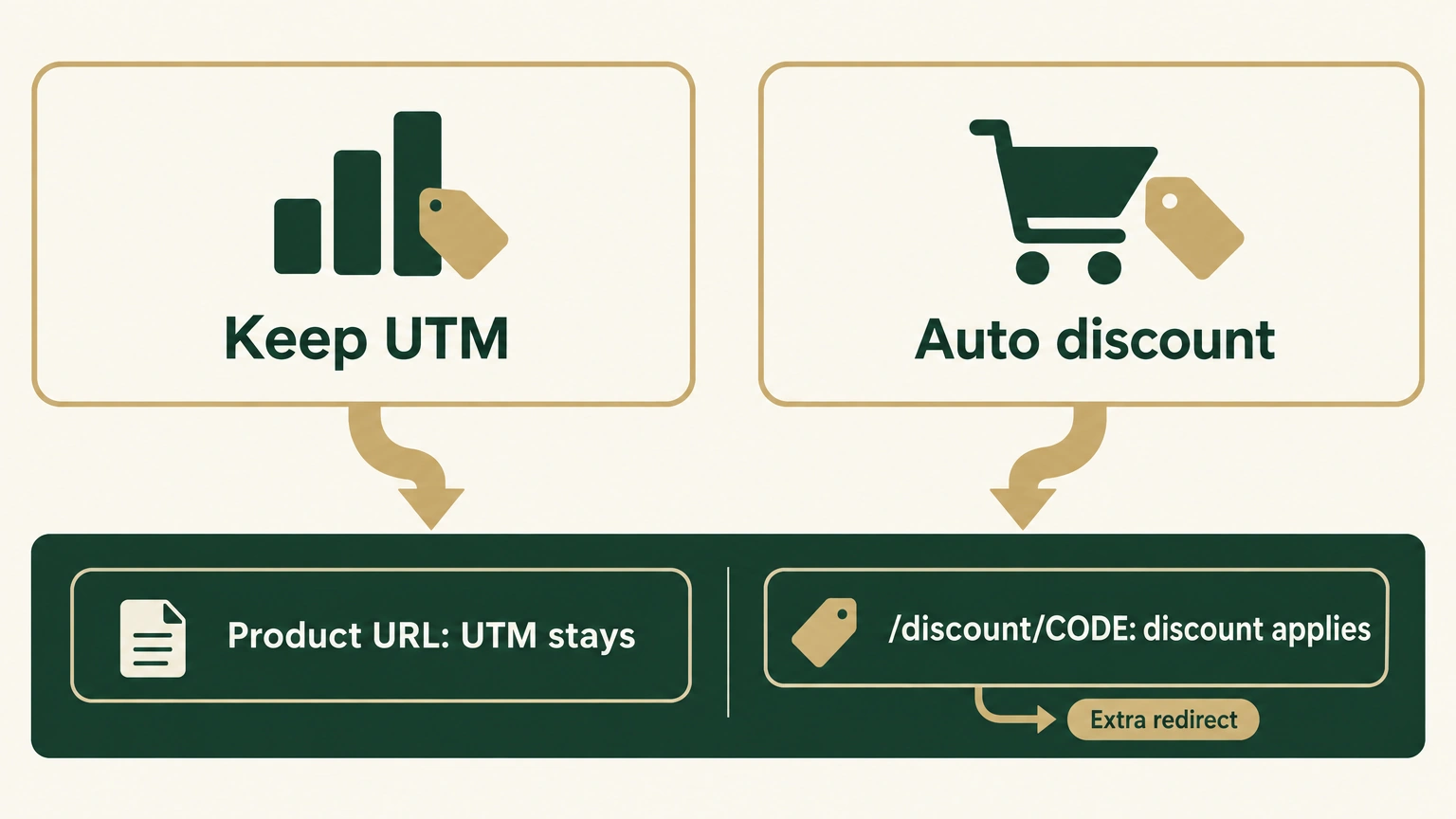
I wanted to keep the original product URL and every UTM parameter while having the discount apply in the background. That left two options: Shopify’s native discount link and a no-redirect version that requires theme changes.
This is for cross-border ecommerce operators, independent-store owners, and sellers. It gives you the native URL format, a naming method for four UTM fields, the no-redirect option, and four layers of checks before launch.
One boundary comes first. UTM parameters record where a visit came from. They are not order attribution and they cannot settle creator commissions on their own. Reconcile orders with a distinct discount code, order fields, or an affiliate tool as well.
Why Shopify’s native flow cannot do both by itself
UTM parameters are source labels attached to a visit. They tell an analytics tool where that click came from. A discount code delivers the offer promised to the customer. One supports a data decision; the other affects checkout.
The connection is the problem. UTM parameters on a product URL are only parameters. Shopify does not treat a discount parameter as an active discount. The native /discount/CODE path first records the discount and then sends the customer to the destination page.
UTM parameters label the visit. The discount code delivers the offer. Orders and commissions still need order-side reconciliation. Do not turn all three into one number.
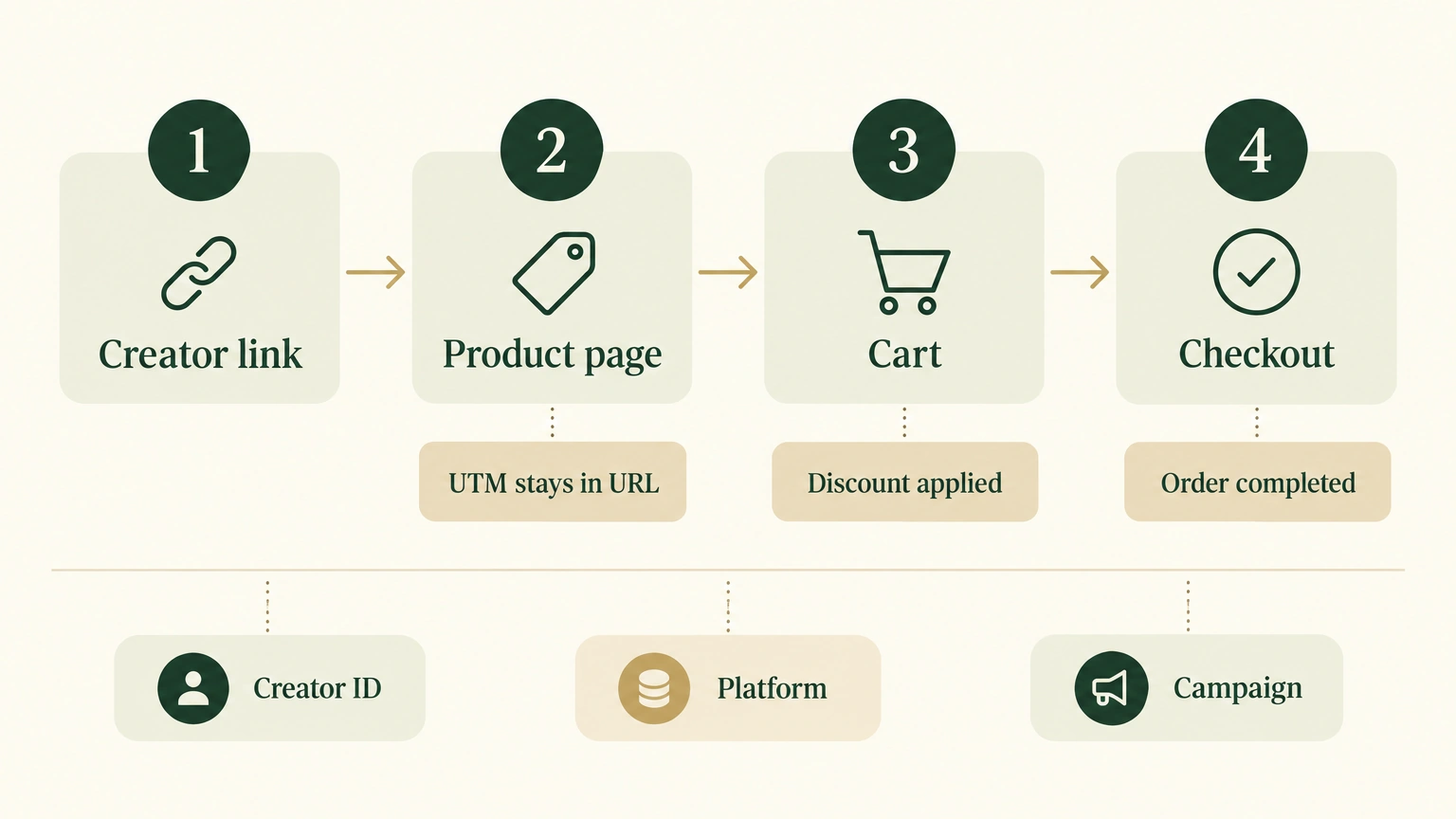
I had two implementation options
The first option is Shopify’s native discount link. The customer visits /discount/CODE; Shopify writes the discount session and then uses a temporary 302 redirect to send the customer to a product page with UTM parameters. It needs no theme change and has less maintenance. The cost is one extra navigation, and the complete landing URL has to be encoded inside redirect.
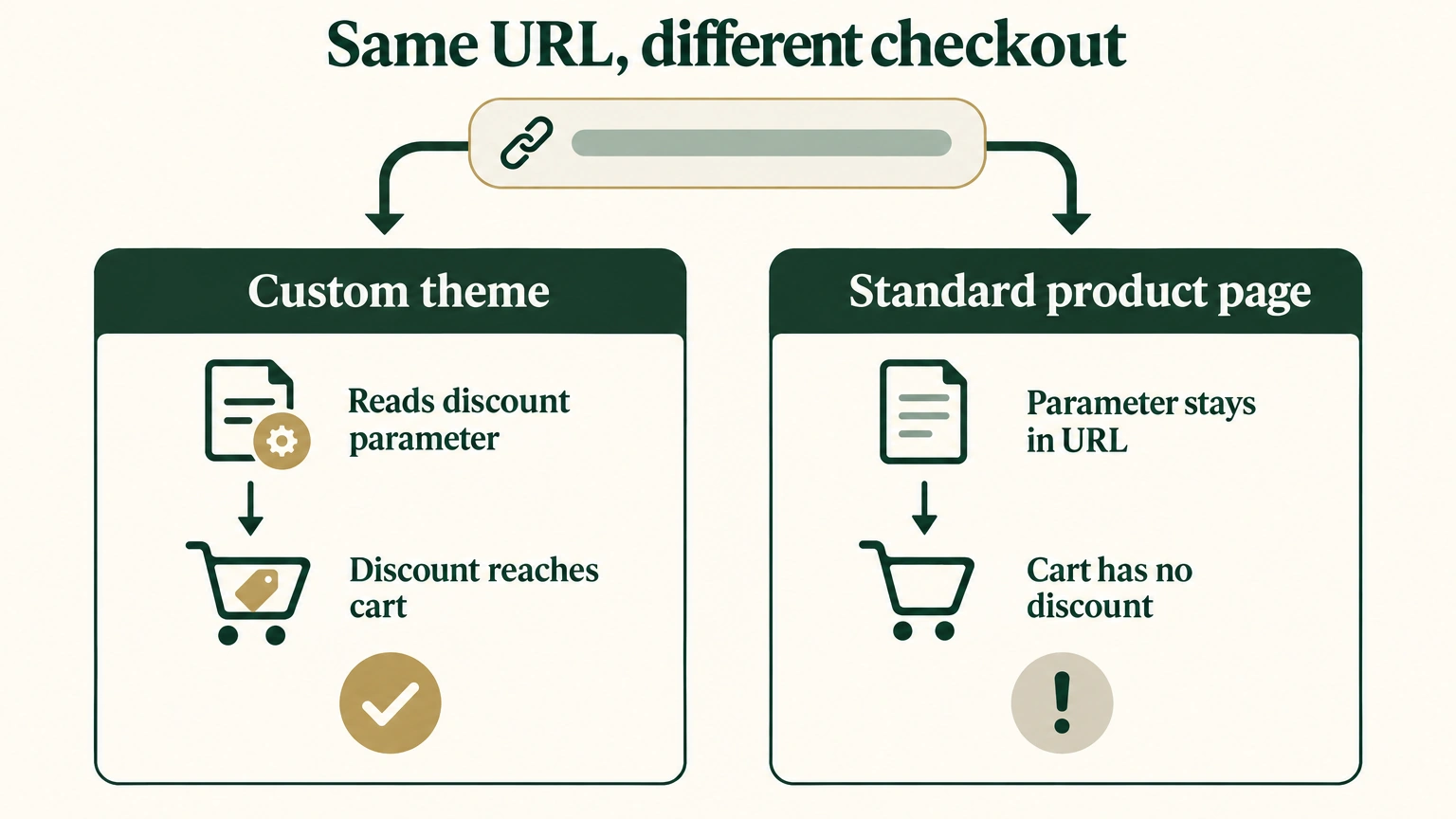
The second option is a custom no-redirect version. The customer opens a product page that carries both discount and UTM parameters, and theme code prepares the discount session in the background. It removes one redirect and makes the URL easier to read. It also requires theme work and coverage for the cart drawer, Buy Now, accelerated checkout, invalid codes, and an existing cart.
Native: https://example.com/discount/alex6off?redirect=complete-landing-url
No redirect: /products/cooler?discount=alex6off&utm_source=youtube&utm_medium=influencer&utm_campaign=h1_launch&utm_content=alextech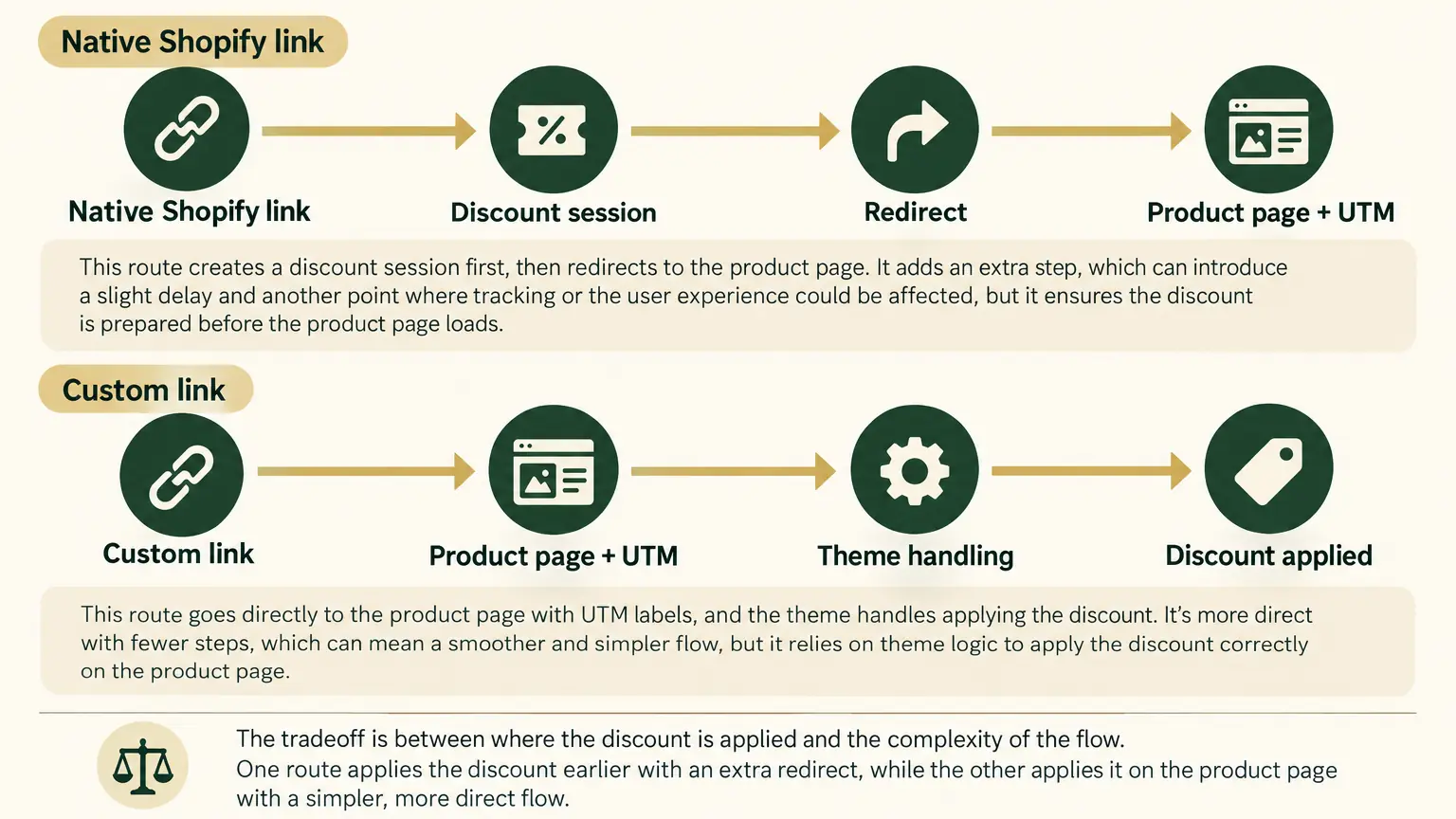
I tested the native link in my own network environment. Four of five runs completed normally, and the redirect step took 1.34-1.59 seconds. That is a small sample from one store and one network. It does not prove an effect on conversion, but it confirms that the native path adds a navigation.
My choice: use no redirect when the team can support it
Given the two options, I prefer the no-redirect version. The customer arrives at the product page directly, and the discount and UTM parameters are easier to inspect in the URL. This only fits a store with theme-development capacity, regression testing, and a team willing to maintain the code and launch checks. Use the native version when those conditions are missing.
Give this prompt to AI if you want the no-redirect version
If you choose the no-redirect version, you can give AI the prompt below. It checks the theme, isolates testing, and then asks for approval before a production write.
How I name the four UTM fields
I keep the platform, partnership type, campaign, and creator separate. That avoids forcing YouTube, Instagram, and TikTok into one field just to distinguish creators.
| Field | Recommended value | Example |
|---|---|---|
utm_source | Traffic platform | youtube |
utm_medium | Partnership type | influencer |
utm_campaign | Shared campaign name | h1_launch |
utm_content | Fixed creator ID | alextech |
When the same creator posts on another platform, change only utm_source. When the campaign uses another creator, change only utm_content. Give each creator a distinct discount code too, such as alex6off, so the visit label and the order-side code can be checked against each other.
How to generate the native version
Shopify handles product pages, carts, and checkout. It natively supports shareable discount links, so it remains a reliable fallback when a theme change is not safe.
Open the discount in Shopify admin, choose Promote -> Get a shareable link, then select a product or collection page. Shopify documents the entry point in its shareable discount links guide.
To add your own UTM parameters manually, put the complete landing path in redirect and URL-encode it:
https://example.com/discount/alex6off
?redirect=%2Fproducts%2Fcooler%3Futm_source%3Dyoutube%26utm_medium%3Dinfluencer%26utm_campaign%3Dh1_launch%26utm_content%3Dalextech
The link first passes through /discount/alex6off and then redirects to the product page with UTM parameters. Market paths and store configuration can differ, so verify both the final URL and the cart before sending it to a creator.
The native version needs less maintenance. Its link is longer and harder to read, and it adds a redirect. It fits teams that cannot safely modify the theme yet.
I verify four layers before launch
I use a fresh browser session so old cookies do not contaminate the result:
- Landing page: The final URL still has
utm_source,utm_medium,utm_campaign, andutm_content. - Cart: The discount code is present and valid. A
discountstring in the address bar is not enough. - Price: Calculate from the original price and discount percentage once, then confirm that the cart and checkout show the same discounted price.
- Analytics and orders: Confirm the source labels in GA4 or Shopify’s conversion summary, then check the unique discount code or order fields on the order side.
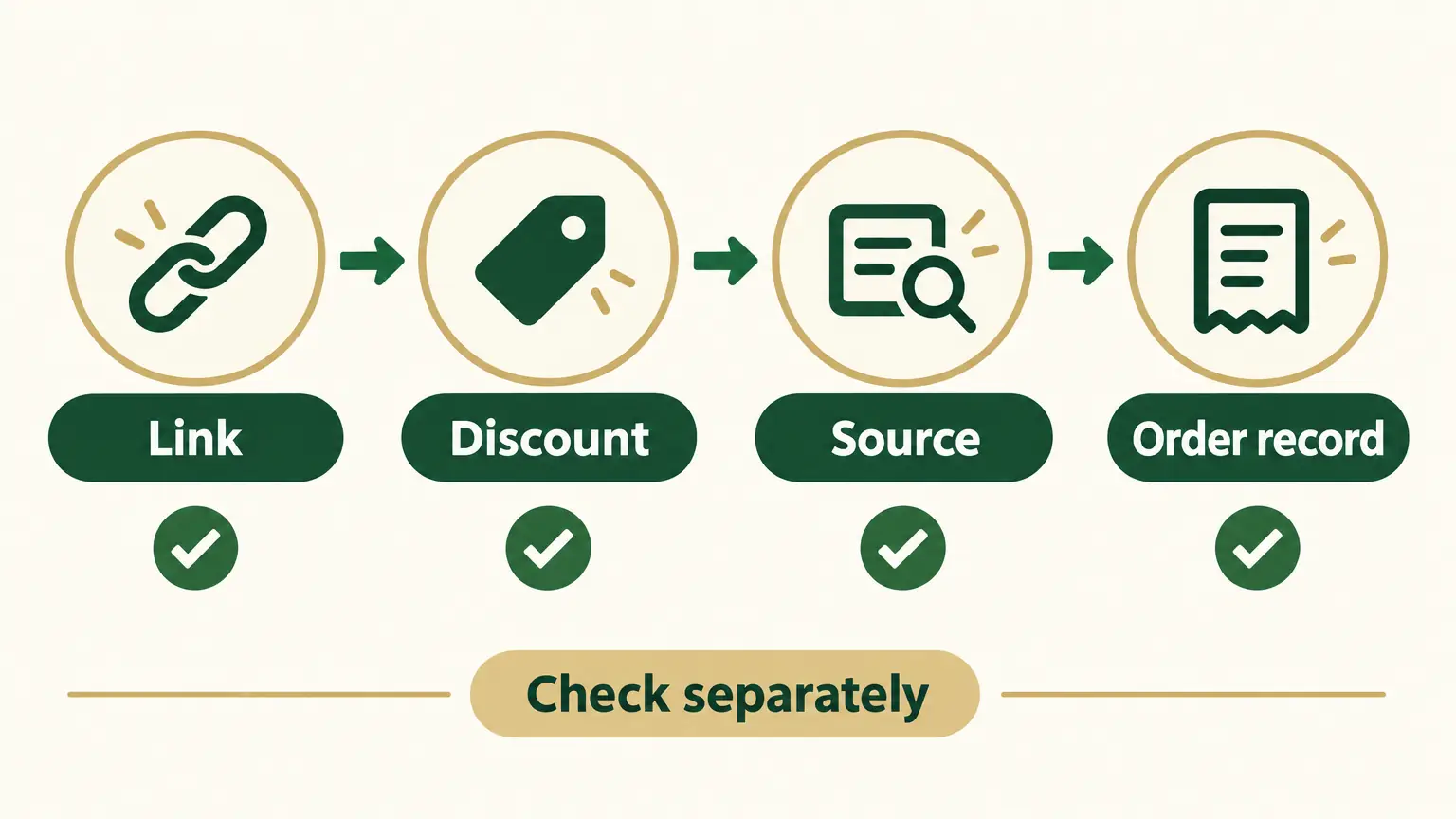
The fourth layer still has limits. Cookie consent, a cross-device purchase, browser privacy settings, and attribution models can make GA4 and Shopify report different results. Shopify’s conversion summary can show UTM parameters and the visit path, while commission settlement is stronger with separate order evidence.
My choice is straightforward. Use the no-redirect version when the store has theme-development and verification capacity. Use Shopify’s native link as a fallback when it does not. Before launch, run the four checks in a fresh browser session. For commissions, return to the order records rather than asking one string of UTM parameters to make a decision it cannot make.