Shopify has native Google sign-in. I did not need an app or a monthly fee
I kept seeing the same small detail while browsing independent stores abroad: a login page with a “Continue with Google” button. One click, and there was no email address or password to enter.
My first assumption was that it needed an expensive app or a pile of custom code. This source walkthrough showed something else: Shopify’s new customer account system had native support for it. I followed the setup myself in about 15 minutes, without installing an app or writing code.
Why spend those 15 minutes
For an independent store with member accounts and repeat buyers, the upside is practical:
- Customers do not need to remember a new password or open an email verification link.
- Support gets fewer “forgot my password” and “I did not receive the reset email” requests.
- Returning customers can use their Google account instead of trying to remember which email they used last time.
- A Google sign-in option can make a store feel more considered.
There is a limit. Guest checkout does not create an account, so Google sign-in does not turn guest shoppers into registered customers. This is a small improvement for members and repeat customers, not a conversion fix for every visitor.
The four-stage flow
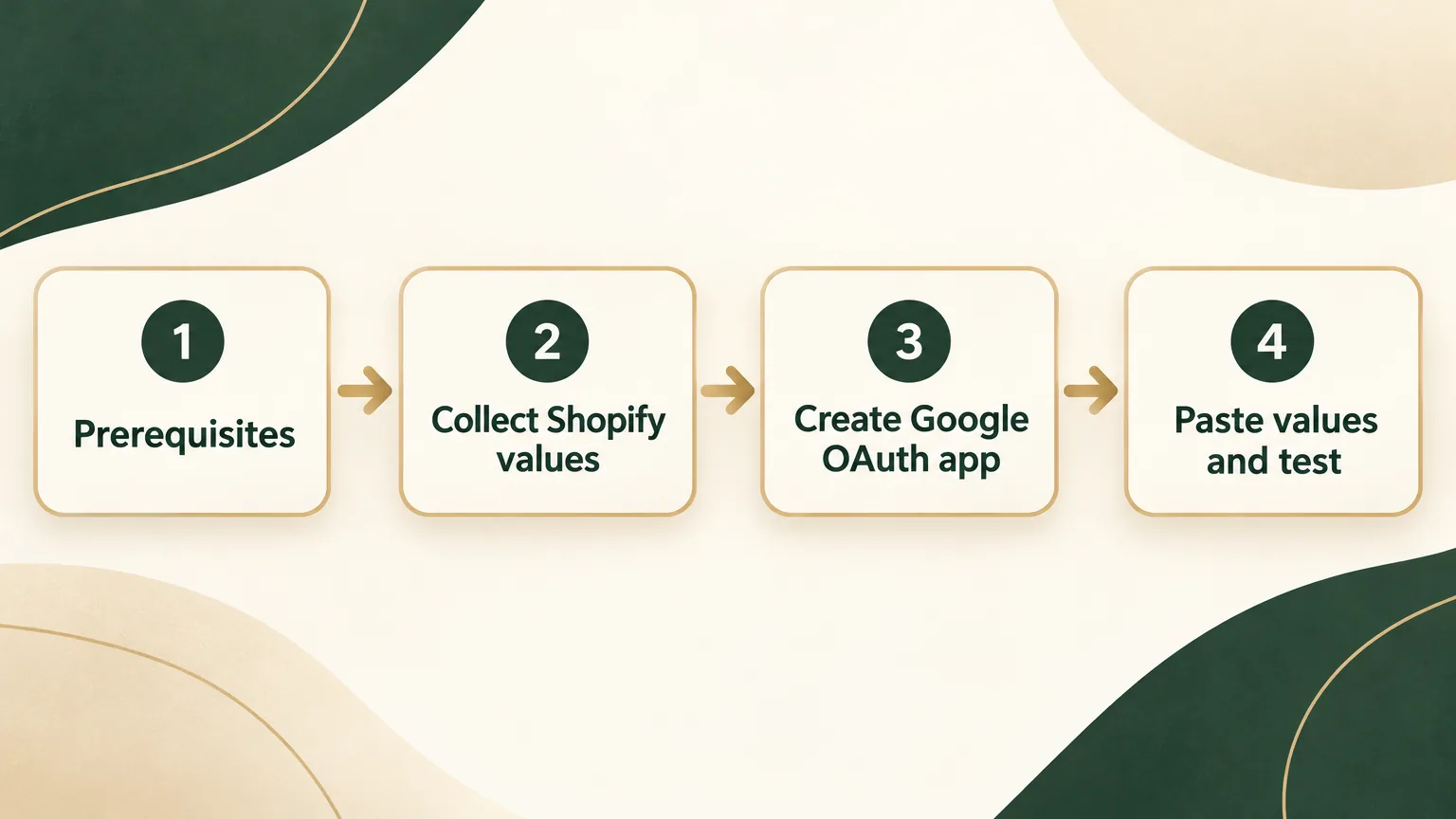
Check the account system, collect the values, create the OAuth client, then enable and verify the login.
The diagram keeps the original four stages in order. The text below retains the configuration details and all paths in readable form.
Let an AI guide you through it
If you would rather have an AI assistant pause after each action, copy this prompt into ChatGPT, Claude, Gemini, or another assistant. It should ask where you are stuck, then move one action at a time. You can paste an error message or share a screenshot when something goes wrong.
Step-by-step setup
1. Check that the account system is the new version
The source tutorial describes Shopify’s 2024 customer-account upgrade as New Customer Accounts. In that setup, Google and Apple sign-in were native options. The older Classic version did not support them.
In Shopify Admin, go to Settings → Customer accounts.
- If you see a Login services submenu with Google and Apple options, the store is on the new system.
- If it is missing, the store uses the older system. Switch the account system first on the same page.
2. Collect the values in Shopify Admin
Open Settings → Customer accounts → Login services → Sign in with Google.
That page lists nine URLs:
- Authorized JavaScript origins: three URLs
- Authorized redirect URIs: three URLs
- Deauthorize callback URIs: three URLs
Keep the page open. You will copy the URLs into Google Cloud Console one by one.
The bottom of the page has empty Client ID and Client Secret fields. Leave them empty for now. Google will provide those values.
3. Create an OAuth app in Google Cloud Console
Open console.cloud.google.com.
Create a project. Use the project picker at the top, choose New Project, give it a name, and select Create.
The source page noted that a “Free trial $300 credit” banner may appear. OAuth sign-in was described as free in this historical setup, with no credit consumption or dependency on the trial. This is historical guidance, not a statement about current platform terms.
Configure the OAuth consent screen. Go to APIs & Services → OAuth consent screen. In the newer interface it may appear as Google Auth Platform.
- Set User Type to External.
- Set App name to the store name. Use your email for Support email and Developer contact.
- Add the store domain and
shopify.comunder Authorized domains. - Finish the flow, return to the main page, and select Publish App.
Without publishing, only manually added test users can sign in. Other visitors are rejected. The source says basic login scopes did not require Google review before publishing.
Create the OAuth Client ID. Go to Credentials → + Create Credentials → OAuth client ID.
- Set Application type to Web application.
- Copy Shopify’s three Authorized JavaScript origins into Google’s matching field.
- Copy Shopify’s three Authorized redirect URIs into Google’s matching field.
- Google has no matching field for Shopify’s Deauthorize callback URIs, so leave that third group out.
Select Create. The dialog shows the Client ID and Client Secret. The source warns that the secret appears only once, so copy it immediately.
4. Paste the credentials into Shopify, enable, and verify
Return to the Shopify page you kept open. Paste the Client ID and Client Secret into the fields at the bottom. Switch Off → On, then save.
Test in a private browser window. A regular window can carry cached sign-in state and make a broken setup look correct.
Visit https://account.<your-domain>/. The login page should show Continue with Google. Select it, choose a Google account, and confirm that the store signs you in after the redirect.
redirect_uri_mismatchusually means that a Google redirect URI is missing. Add the omitted URI.Access blocked: This app's request is invalidusually means that the OAuth consent screen was not published.
A few gotchas worth keeping
- Publish the app. Testing mode only allows whitelisted accounts, and the error shown to everyone else can be confusing.
- Add all three redirect URIs. The
myshopify.comentry is easy to miss, and a missing value can cause intermittent sign-in failures. - Use a private window for the test. An existing Google session in a normal window can hide a problem.
- The Google Cloud credit banner is separate from this flow. The source treats OAuth sign-in as free and unrelated to the trial period.
- You do not need an app for the native setup described here. The source cites Google sign-in plugins in the Shopify App Store at $5 to $20 per month, while this native path was sufficient for the case covered.
FAQ
What about Sign in with Apple?
The same page also listed Sign in with Apple. The source describes a similar configuration flow, but it requires an Apple Developer Program account at $99 per year.
If you do not have that account, this source recommends leaving it for later. Its judgment was that iPhone and Mac users also have Google accounts, so the absence of Apple sign-in alone should not make them abandon an order.
The source’s closing judgment was simple: this was a small, low-effort improvement that did not disrupt the existing experience. If a customer used it, the login path became shorter. Its suggestion was to set aside 15 minutes and configure it.
Source-era boundary
This is a translation of a May 2026 source tutorial. It preserves its paths, cost statements, estimated time, and platform behavior as historical instructions. Check the current Shopify and Google Cloud interfaces before changing a live customer-account flow.
The handoff in the original article pointed to a Shopify multilingual product-page fallback diagnosis. That source link is retained as-is rather than replaced with an invented English destination.
The original author also wrote two practical independent-store posts per month and offered RSS and email for readers who wanted the next one.