GA4 traffic was up 30%. Ten seconds later I found Singapore bots.
One morning, I opened GA4 and saw sessions up by almost 30% from the month before.
I was excited for about ten seconds. Maybe a post had started ranking. Maybe I should publish another one quickly and catch the traffic.
Then I opened the country report and froze.
Ninety percent of the increase came from Singapore. Average engagement was zero to one second. Bounce rate was close to 100%. I had never targeted Singapore, distributed content there, or had a customer there.
I opened Clarity, Microsoft’s free session-recording tool, to see what those “users” had done. There was not a single recording.
GA4 could see the visits. Clarity could not. That changed the whole diagnosis.
In about eight minutes, this historical case study shows how I recognized suspicious traffic, why GA4’s built-in filter was insufficient, what the data looked like after I excluded the suspicious segment, and the monthly check I now use before changing content or code.
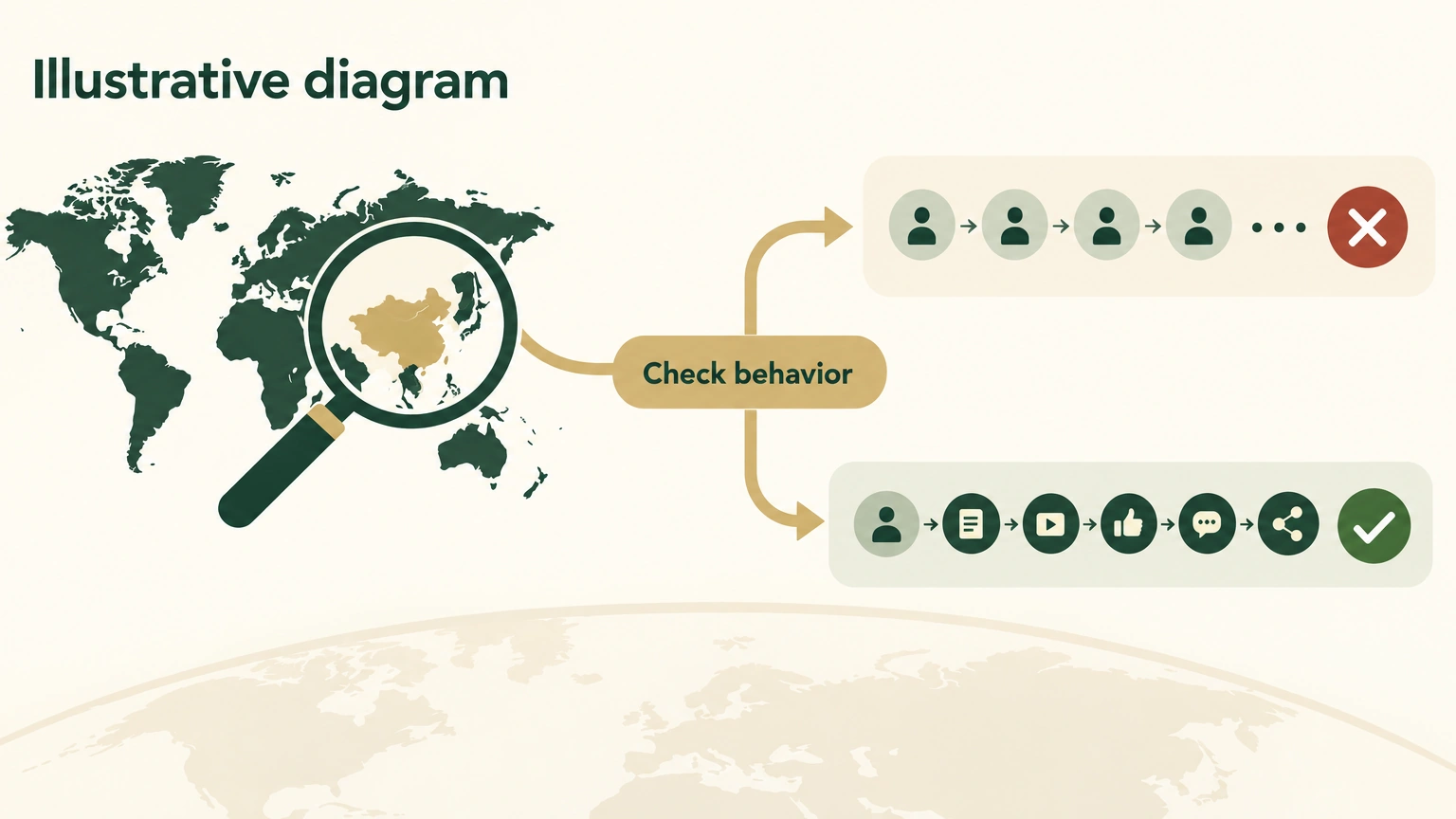
Illustrative diagram. Historical example: an unexpected country spike needed behavior evidence before it could be treated as real audience growth.
Two wrong turns I nearly took
Before I understood what I was looking at, I had spent half a day moving toward each of two bad conclusions.
The first involved a blog post I liked. GA4 showed an 86% bounce rate. I assumed the search intent was wrong and had already started outlining a rewrite. Without another look at the data, I would have rewritten it.
The second involved device performance. Desktop bounce was 59%, while mobile was 27%. A DTC site often shows the opposite pattern because mobile experience has more ways to go wrong. I started checking the cookie banner and font loading for a problem that was not there.
After excluding the Singapore segment, the picture changed:
- The post that showed an 86% bounce rate had a 41% bounce rate. The post itself was fine.
- Desktop and mobile bounce both landed around 40%. Desktop had not broken.
I had nearly rewritten a good post because bots had distorted it. I had nearly changed code for a mobile bug that did not exist.
At that point the answer was plain: the article was good, desktop was fine, and the measurement was dirty.
What the suspicious visits had in common
The Singapore traffic had a remarkably consistent fingerprint. Once I had seen it, I could recognize the pattern quickly:
| Dimension | Historical signal |
|---|---|
| Country | Singapore made up more than 90% of the suspicious segment |
| Device | One desktop / Chrome combination made up 93% |
| Screen resolution | 1280x1200, 1366x1366, 800x600 |
| Source | Almost all (direct)/(none) and (not set)/(not set) |
| Behavior | 70% to 100% bounce, often zero seconds of engagement |
| Landing page | Often an empty string |
Those resolutions matter. 1280x1200 and 1366x1366 are square-like screens. 800x600 is an old VGA resolution. Seeing these alongside the source and behavior signals gave me a usable filter.
Why Singapore? My historical interpretation was that Shopify’s site-crawling infrastructure was concentrated there. Crawlers could visit product and price pages around the clock. When they also ran the site’s GA4 gtag.js tracking script, their visits appeared in the analytics data.
My site was one of the sites being crawled. Any publicly accessible Shopify store could be exposed to this kind of traffic.

Illustrative diagram. Historical example: repeated technical and behavioral signals were compared with a varied human-behavior path. This is not an analytics screenshot.
Why the built-in GA4 bot filter did not help
It was enabled. It still did not help.
The GA4 setting “Exclude all hits from known bots and spiders” works from the IAB Tech Lab bot list. It can block crawlers such as Googlebot, Bingbot, and Pingdom when they identify themselves in the user agent, the string a browser sends to identify itself.
This Singapore traffic looked different. It impersonated desktop Chrome. The user-agent string, JavaScript execution, and cookie handling all looked plausible, while the crawler hid that it was a bot.
GA4’s filter was useful for known signatures. It was not a real-time detector for a crawler that blended in. I needed evidence from the traffic pattern itself.
Five checks in ten minutes
This process was not limited to my store. I use it whenever an unusual metric appears on a Shopify or independent site.
| Step | Check | Signal that raised suspicion |
|---|---|---|
| 1 | Break sessions down by country | SG, HK, VN, or RU suddenly enters the top three |
| 2 | Break traffic down by source | (direct)/(none) plus (not set)/(not set) exceeds 50% and concentrates in the countries from step 1 |
| 3 | Check OS × screen resolution | 1280x1200, 1366x1366, 800x600, or other square-like / obsolete resolutions |
| 4 | Check landing page and average engagement | Bounce above 80%, engagement below 10 seconds, and source (not set) |
| 5 | Reconcile with Clarity or Hotjar | Clarity sessions divided by GA4 sessions is below 50% |
Three signals together were enough for my historical bot classification. It was a working rule for this site and period, not a universal production threshold.
The fourth pattern, a landing page with more than 80% bounce, less than ten seconds of engagement, and (not set) source, looked more like server probing than a person reading content. That was the point to stop planning a rewrite.
The fifth check gave me a second observation channel. Bots did not produce Clarity session recordings in this case, so Clarity-to-GA4 reconciliation was more informative than GA4 alone.
I turned steps 1 through 4 into a short Python script that prints four tables. Developers can use the script. Everyone else can paste the prompt below into an AI tool. Both routes use the same evidence.
Python script
Print four GA4 diagnostic tables
AI prompt
Run the same check without writing code
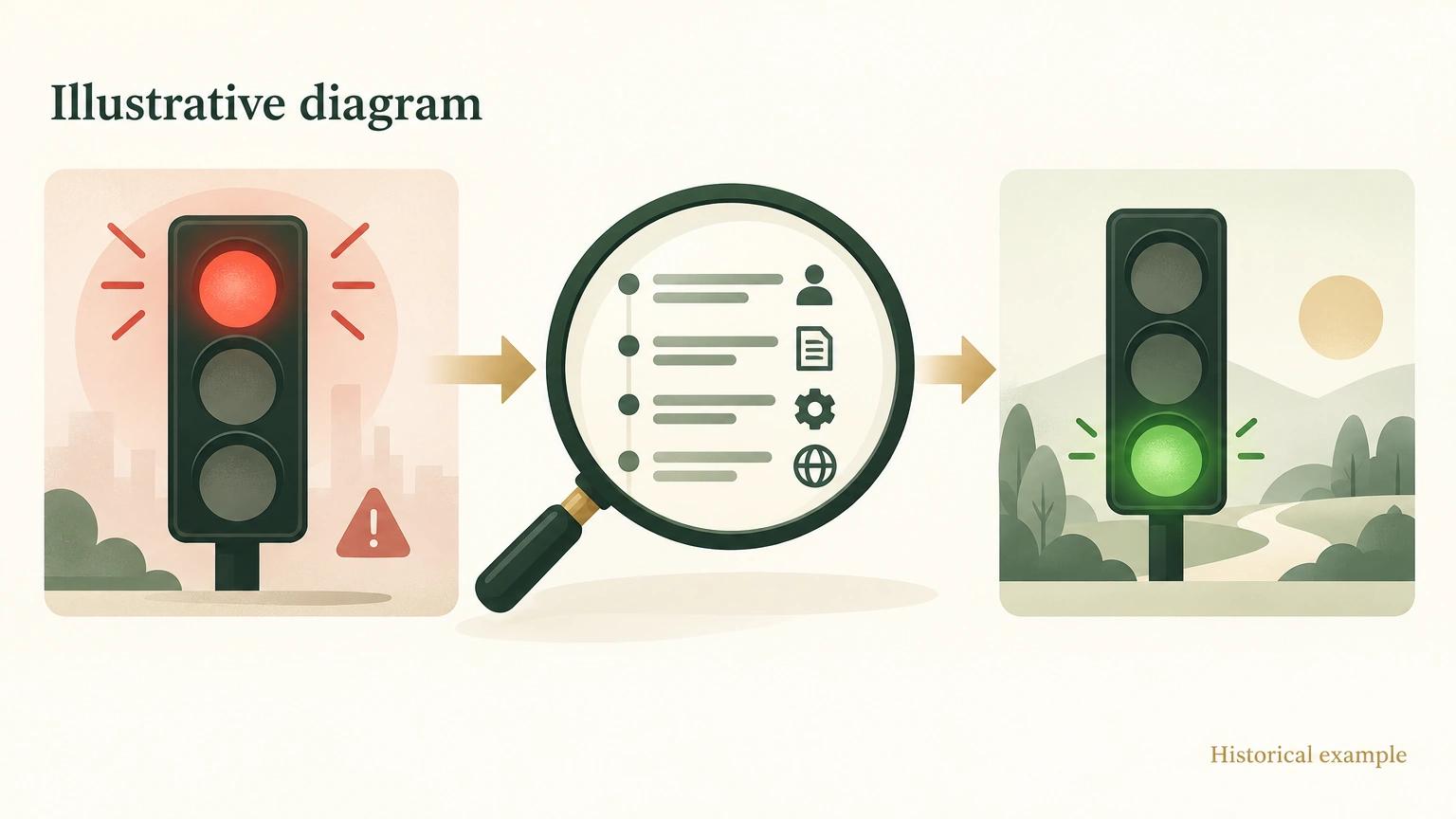
Illustrative diagram. Historical example: behavior evidence changed the reading of a traffic signal. It does not reproduce a real report or operating metrics.
Filtering comes after diagnosis
Filtering only made sense after I understood the pattern. If I filtered first, I would have had no way to tell whether I had blocked people or machines.
There were two layers.
The first was what GA4 could do. I added my fixed IP as internal traffic and put obvious referral spam on a blocklist. That handled my own visits and low-effort junk referrals. It did not stop a Singapore bot impersonating Chrome.
The second was edge filtering. My historical setup used Cloudflare Bot Fight Mode and Super Bot Fight Mode and added challenges for suspicious resolutions and unusual user agents. I had only recently configured it, so I did not yet have a full period of backtest data. I could not claim how much it blocked or whether it created false positives. That needed its own follow-up.
Bot patterns move. A segment in Singapore today may appear in Vietnam tomorrow. Filtering needs periodic maintenance.
The monthly check I kept
I now do this once a month:
- Run the country, source, and OS × screen-resolution views.
- Check the share of SG, VN, RU, and HK. In the historical rule, more than 15% meant I treated that month’s data as “exclude suspected bots before deciding.”
- Calculate Clarity sessions divided by GA4 sessions. A result below 50% meant most GA4 traffic had no Clarity recording, often a bot signal in this case.
- For any landing page with more than 70% bounce, inspect the source before deciding to change content.
- After adding a Cloudflare challenge rule, compare its logs with Googlebot and Bingbot access so the rule does not block them by mistake.
The ratio has to be written in the correct direction. With 30 Clarity sessions and 100 GA4 sessions:
Clarity ÷ GA4 = 30 ÷ 100 = 30%Thirty percent is below 50%, so it matches the historical signal. Reversing the formula to GA4 ÷ Clarity produces 100 ÷ 30 = 333%, which can never satisfy a below-50% test. The arithmetic takes seconds and catches a direction error before it becomes a decision rule.
The first month changed how I read traffic. From the second month on, I had a bot-filter layer in my judgment. A quick scan could tell me which line deserved trust and which line needed another source.
That morning, one extra click into Clarity saved me from rewriting a blog post and investigating a mobile bug that was not there. Together, those two detours could have cost a week.
My rule from the incident is simple: when a metric suddenly improves, verify the data source before you credit the product.
GA4 going up can be good news. First confirm that the number belongs to people.
If you run your own independent store, apply these checks to one unusual traffic spike. I would be interested to know how much Singapore traffic you find. My historical bet was that at least 10% of readers would see a meaningful share.